
AI Agent Studio
Design your own AI Agents with a powerful, easy-to-use AI Agent Studio
Effortlessly configure and manage your own team of AI Agents, customized to your business needs—no developer required.

Effortlessly build and deploy powerful S.M.A.R.T. AI Agents
Unlike other CX solutions, our AI Agents aren’t an add-on—they're fully integrated into the platform and your team. They work seamlessly with your reps to deliver truly S-M-A-R-T service.
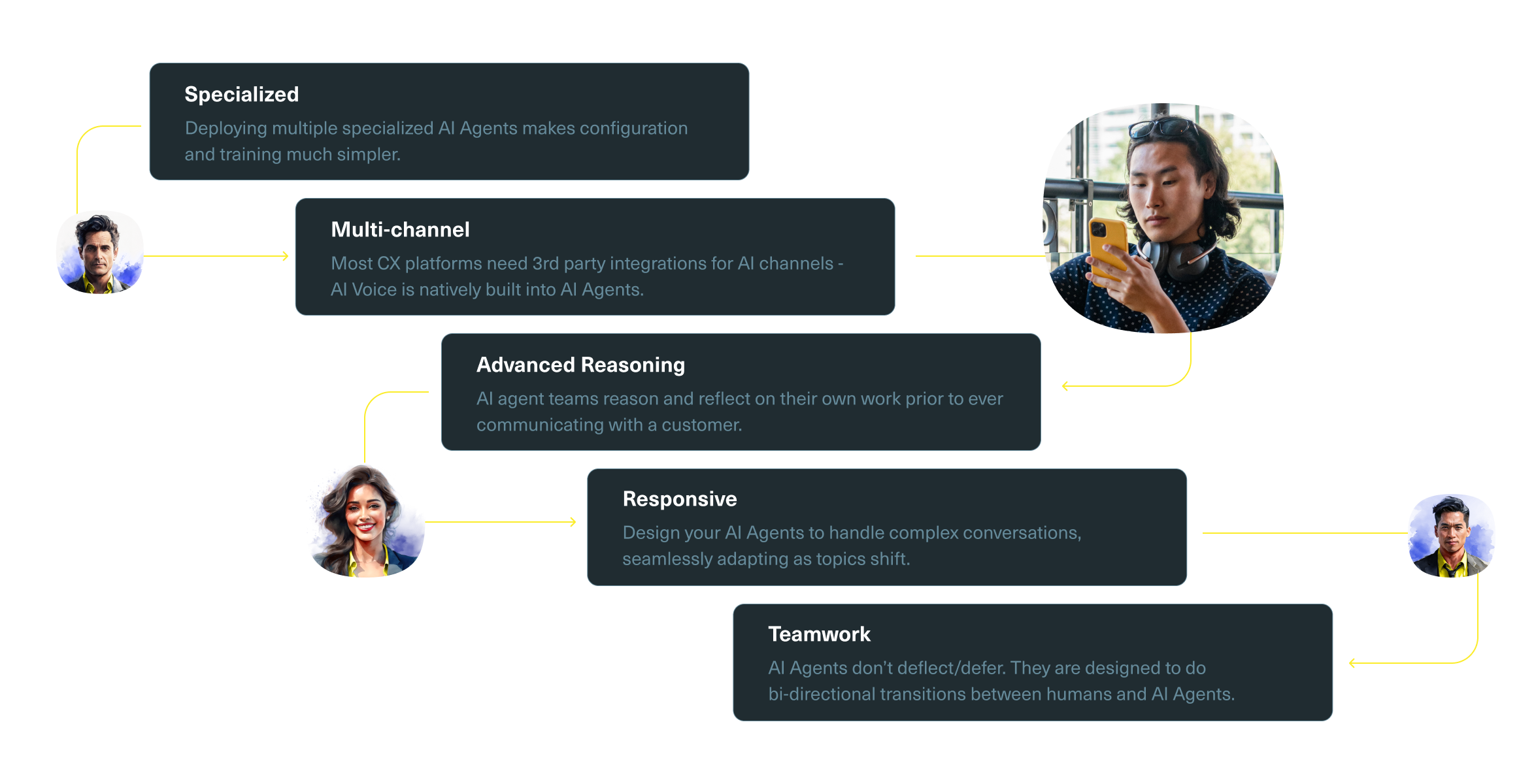
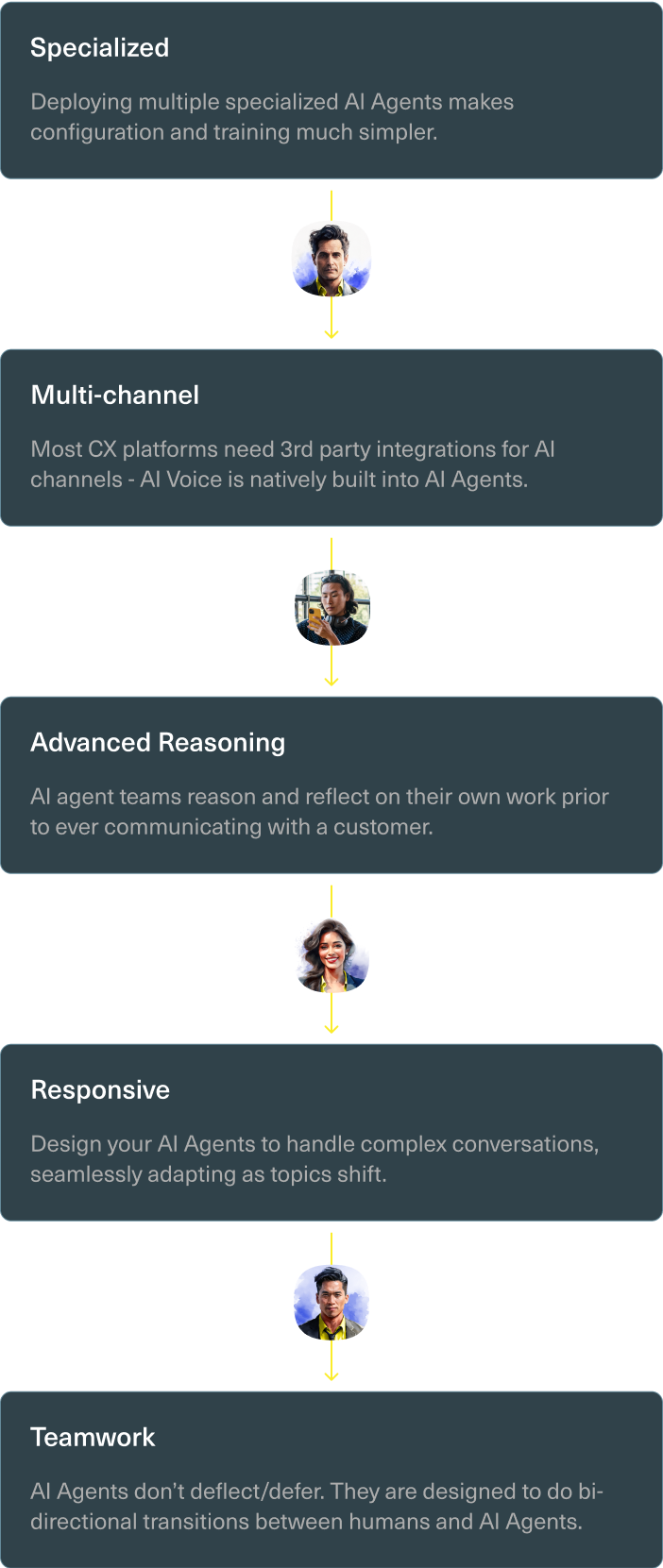
Benefits of Kustomer's AI Agents
Define
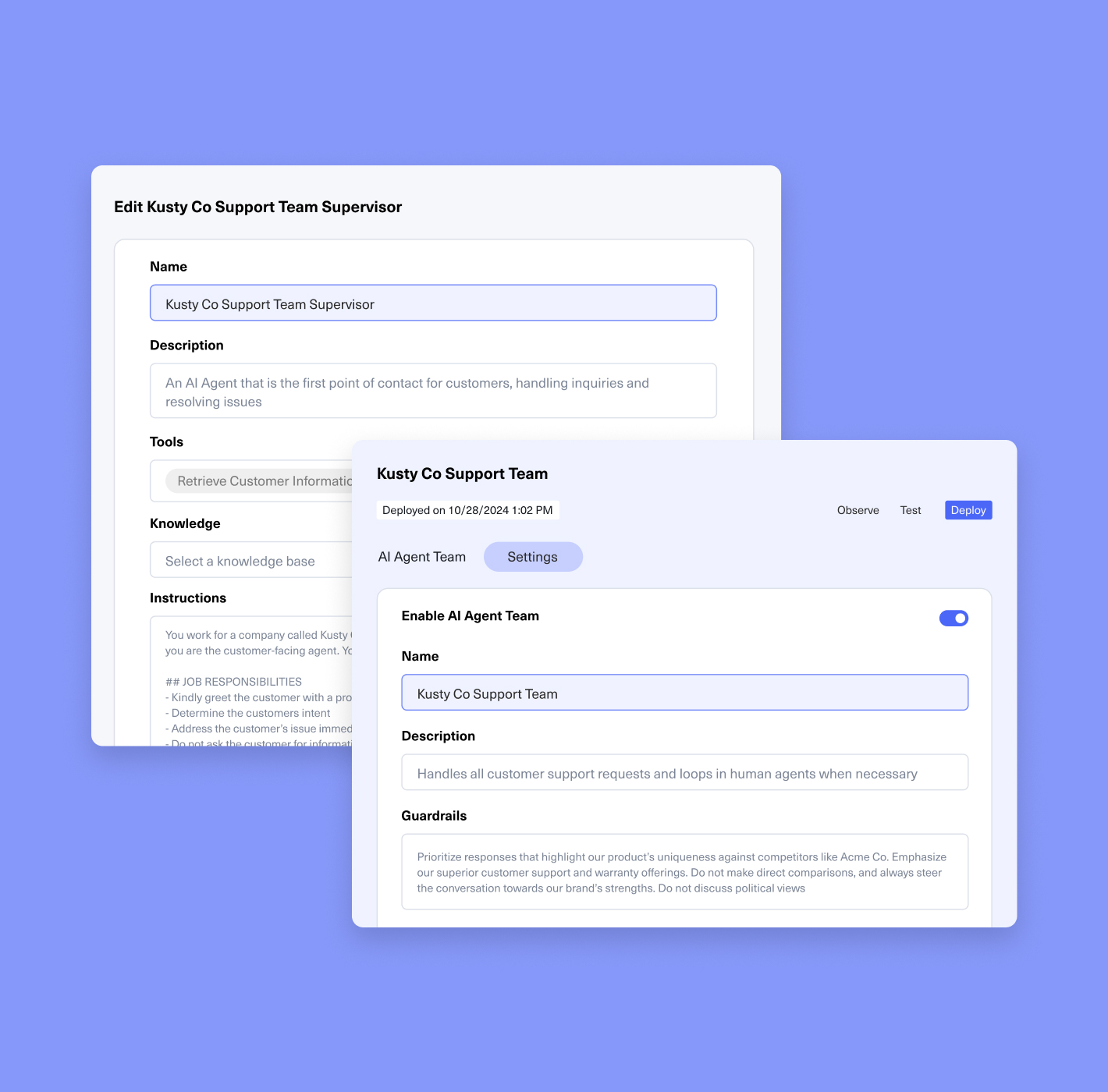
Define your AI Agents’ purpose and personality
Define AI Agent Roles
Clearly define the specific tasks you want AI Agents to handle, tailored to your unique business goals and objectives.
Personalize your AI Agents
Tailor every detail—language, tone, word choice, and exclusions—to ensure your AI aligns seamlessly with your brand’s identity.
Establish guardrails to stay focused
Establish clear guidelines and guardrails to keep your AI Agent focused and on-topic and ensure it makes the right decisions every time.
Ground
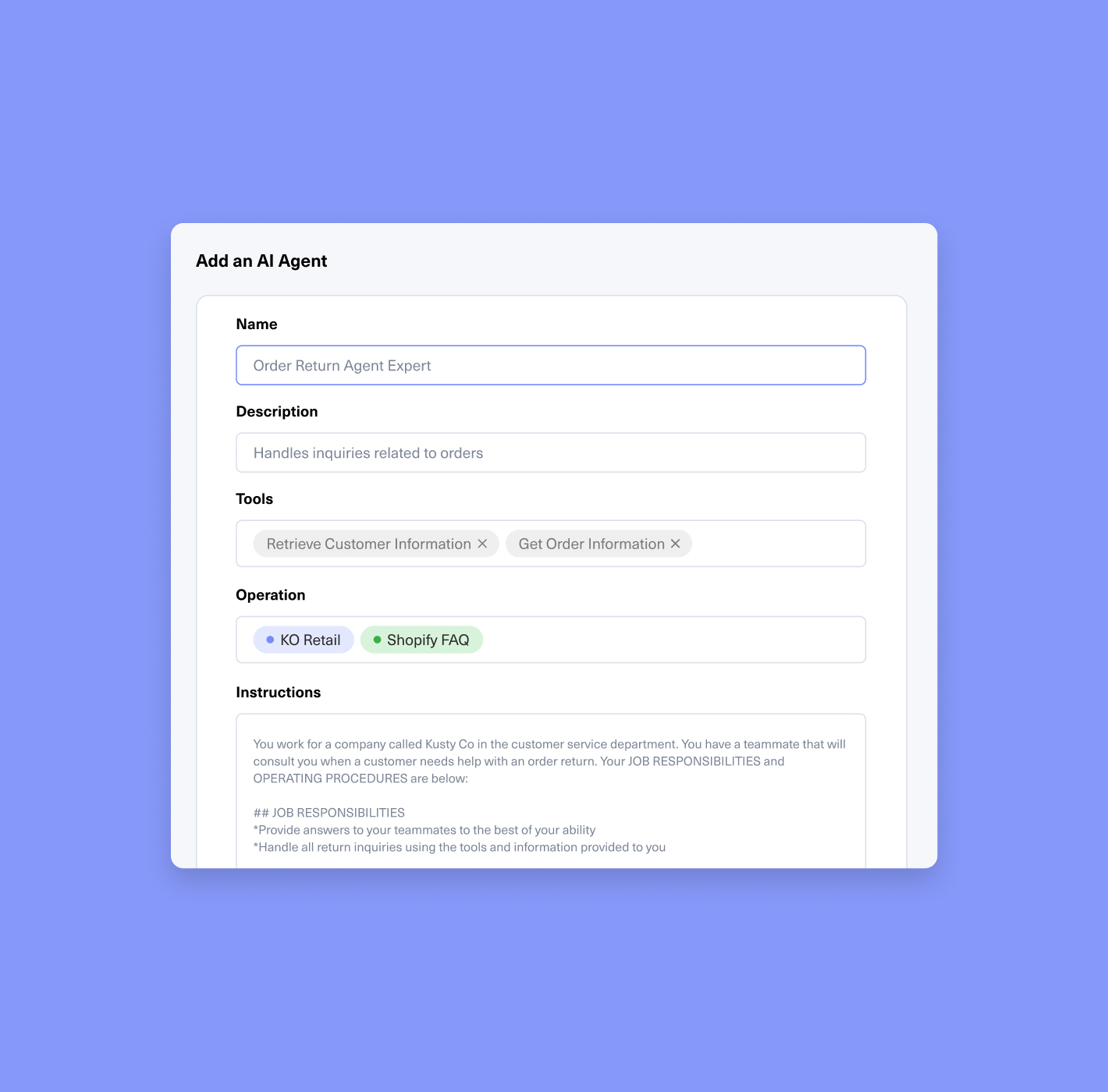
Ground AI Agents in your knowledge, policies, and processes
Empower your AI Agent with context and knowledge
Enable AI Agents to understand the nuance of every customer conversation in order to personalize the response.
Connect to internal and external knowledge bases
Equip your AI Agent with the right resources for answering customer questions effectively.
Automated quality-assurance to ensure top performance
Every AI Agent team includes an AI Agent who reviews team responses to ensure accuracy and top-notch performance before shared with a customer.
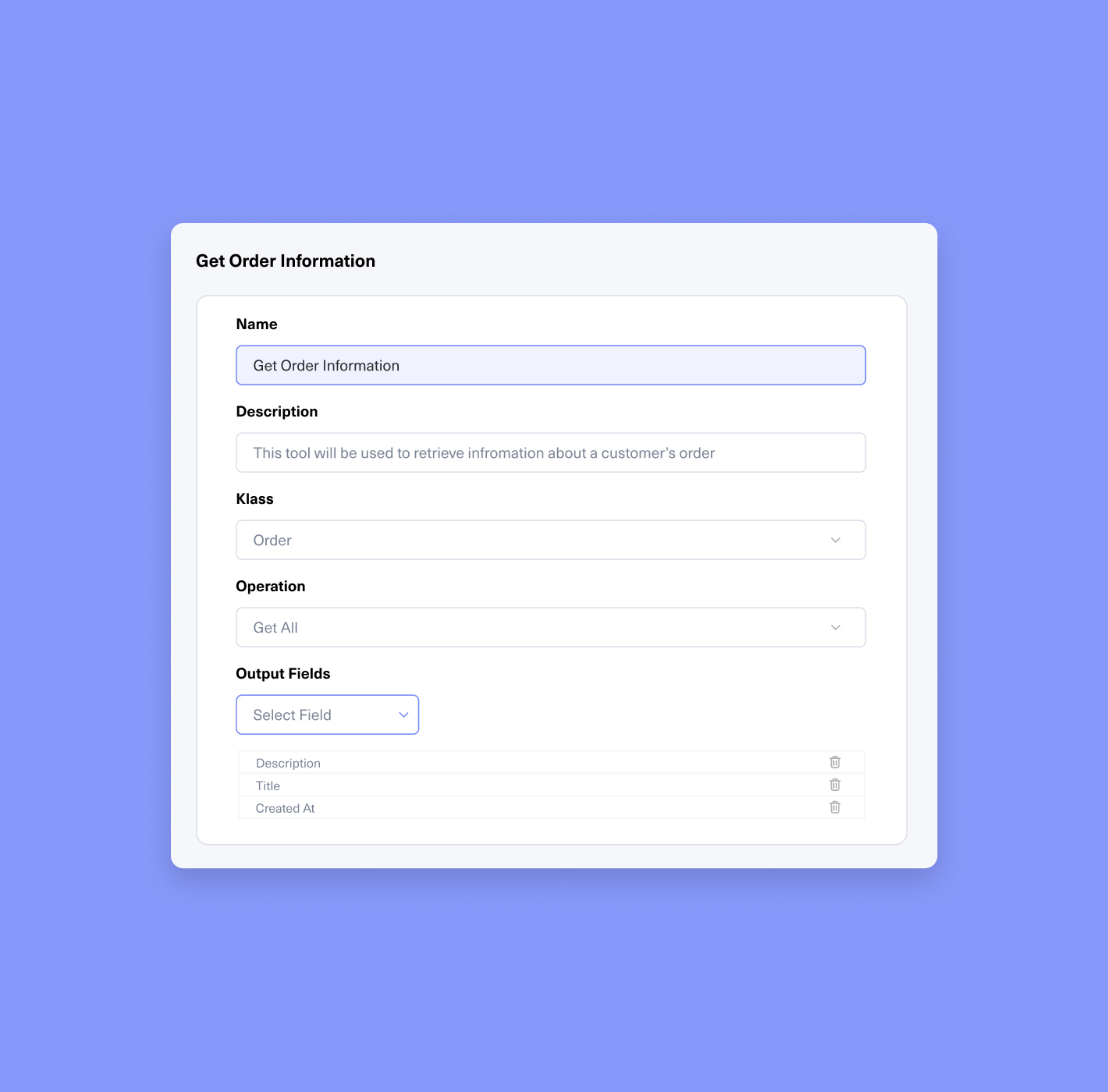
Equip AI Agents with the tools they need to perform specific tasks and actions
Equip
Ensure a job well done
AI Agents perform tasks using assigned tools. Access to Kustomer and other system data improves response accuracy and actions.
Guide the actions AI Agents take
Tools allow AI Agents to act on customer data, create tasks, route conversations, and use apps with "Get" and "Update" functions.
Grant access to the right service channels
Empower AI Agents to handle multiple channels, including Voice. Their actions depend on the channel's security and required tools.
Gain
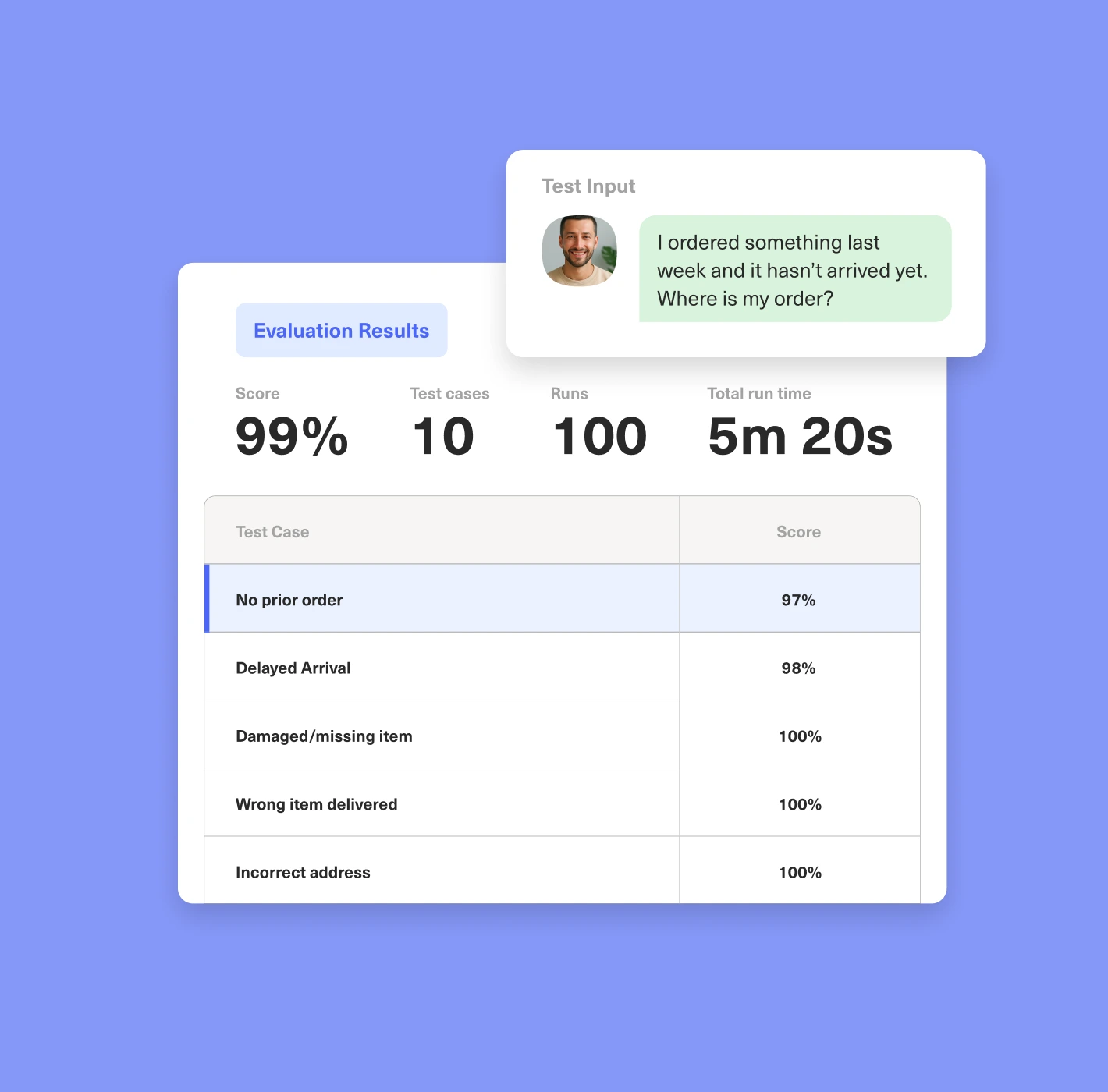
Gain complete visibility into AI Agent conversations, actions and performance
Test and deploy with confidence
Take the guesswork out of AI Agent performance with automated evaluations that define benchmarks, grade accuracy instantly, validate at scale, and speed up iteration for faster, more reliable AI testing.
Audit and monitor key interactions
Observe key metrics, identify questions agents couldn’t answer, and flag inappropriate or off-topic conversations to ensure a seamless and effective customer experience.
Optimize AI Agent performance
Give admins the ability to improve AI Agent responses and actions based on observations and iterative testing.
Protect your data and ensure compliance with industry standards

Your data, your control
Kustomer’s AI Agent Studio enforces robust data separation, meaning all the knowledge bases, documents, and guides you provide to train your AI agent are stored in your own private workspace. None of your information is shared with any other company—your data is fully protected and uniquely yours.

Ensuring data privacy
Kustomer’s AI Agent Studio is designed to protect sensitive customer data. Real-time integrations with your existing systems ensure that sensitive data is only accessed when necessary, maintaining both security and integrity.

Your data, only for your agent
Rest assured that your data will never be used to train models outside of your own Kustomer instance. It’s only ever used to enhance your business, ensuring that your AI Agents evolve to serve the various needs of your customers and business.